Reinstall Citrix WorkSpace
If you're having trouble launching the LoadMaster app, this KB will walk you through the steps for reinstalling or downgrading the Citrix Workspace app as a solution.
Procedure
- Remote into the user's computer with Quick Assist.
- Uninstall the current version of Citrix Workspace.
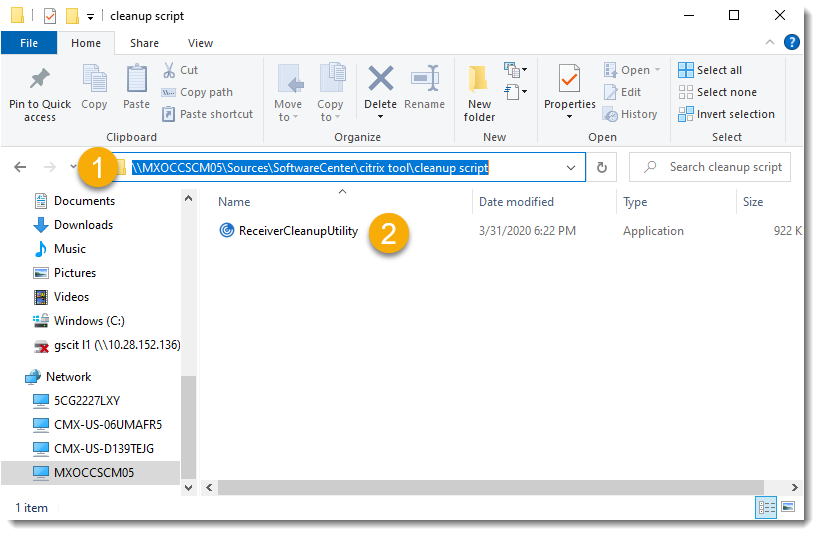
- Run the clean-up tool from
\\MXOCCSCM05\Sources\SoftwareCenter\citrix tool\cleanup script. - Install the current version from SoftwareCenter.
- Reboot the computer.
- Ask the user to test the access and make sure everything is working correctly.

Follow the steps below if the installation fails.
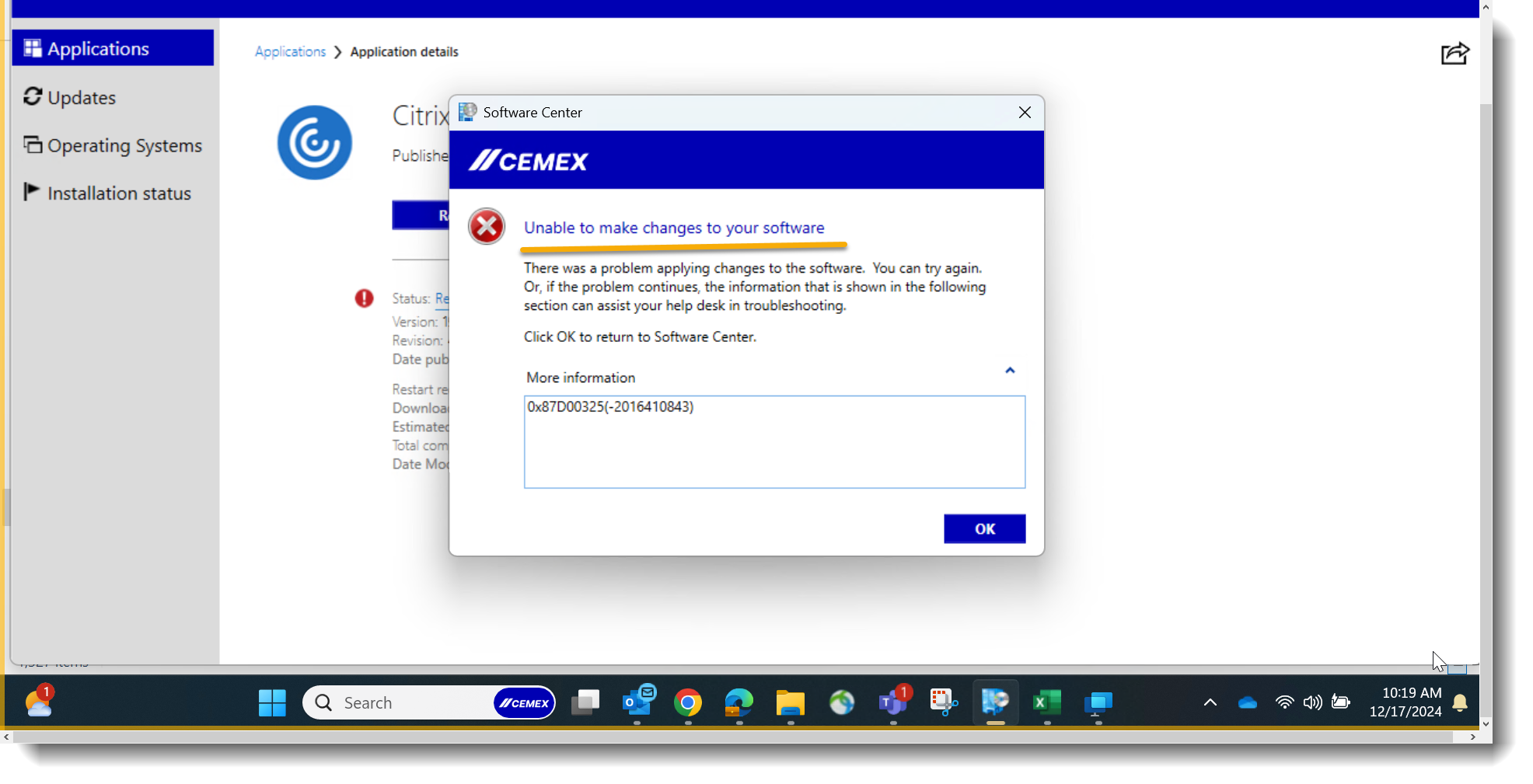
Additional Troubleshooting
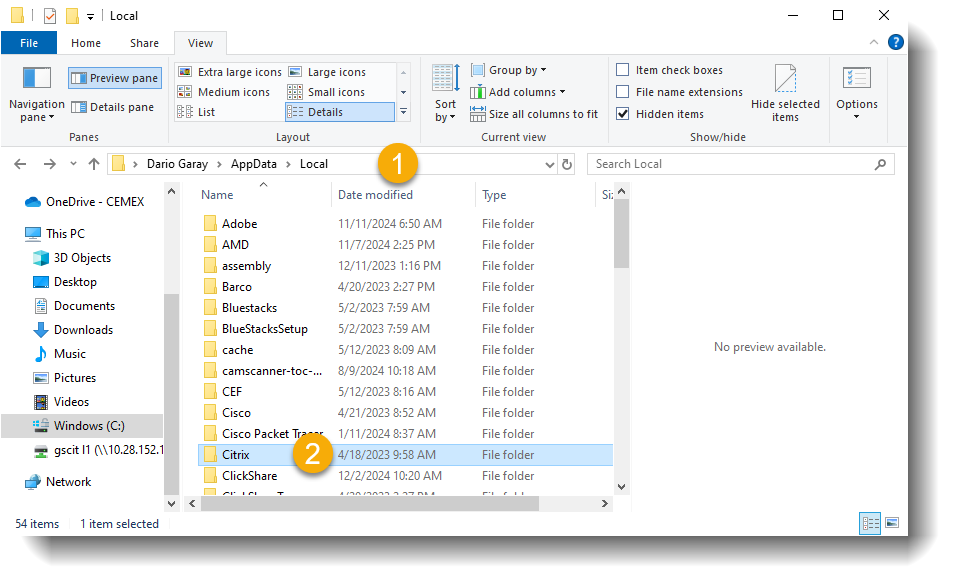
If the installation fails, delete the Citrix folder from the AppData folder of the affected user profile as shown below:
If you're having trouble opening the LoadMaster link, just follow these easy steps:
- KB Check for errors when launching published applications.
- If the issue persists, the FSO team will have to run the Citrix VDA Cleanup Utility Tool.